
Delete Account
1️⃣ Go to the Dashboard on file.kiwi
Section titled “1️⃣ Go to the Dashboard on file.kiwi”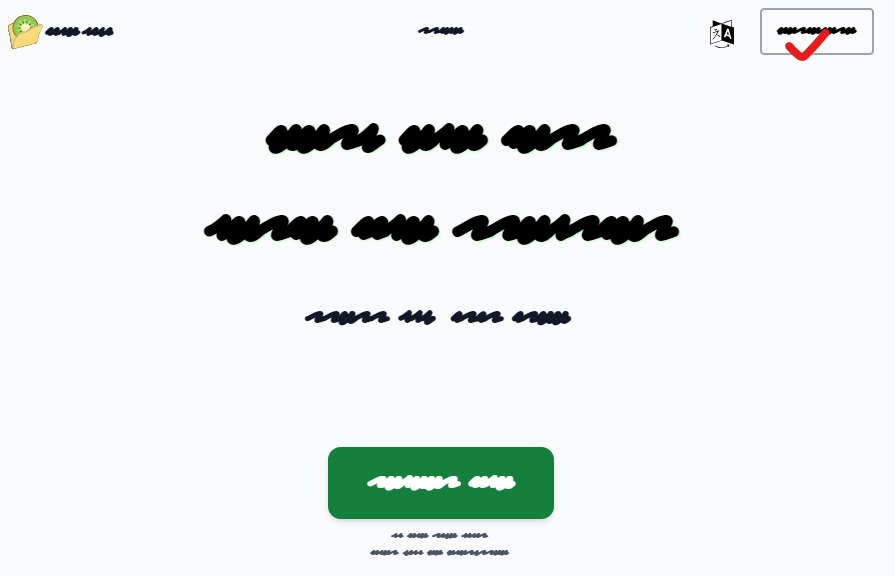
2️⃣ Select Settings
Section titled “2️⃣ Select Settings”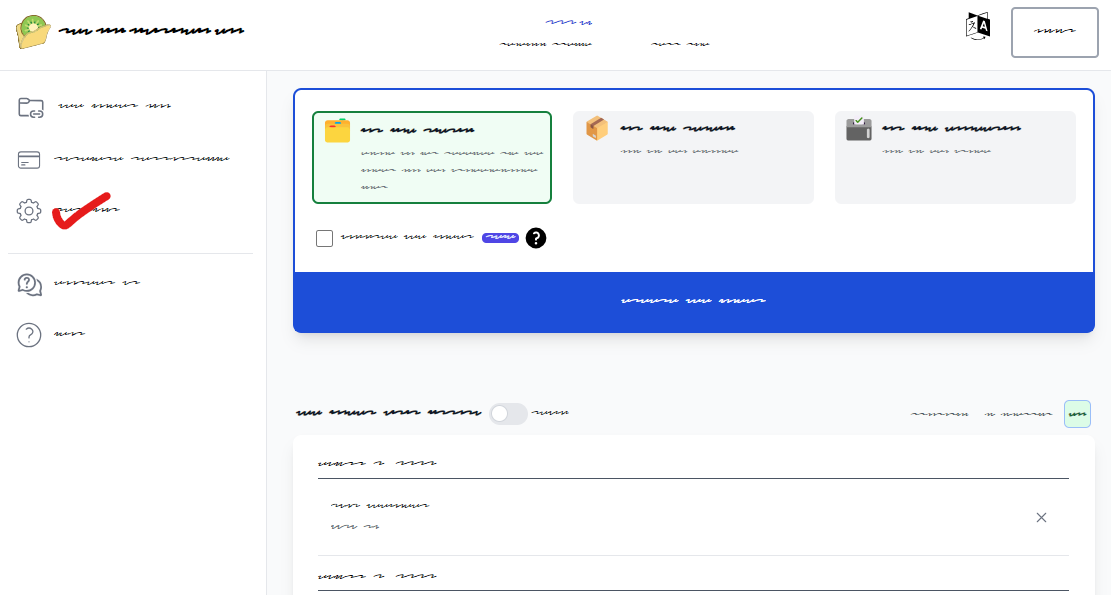
If the menu isn’t visible, click the ☰ button in the top-left corner.
3️⃣ Select Delete Account
Section titled “3️⃣ Select Delete Account”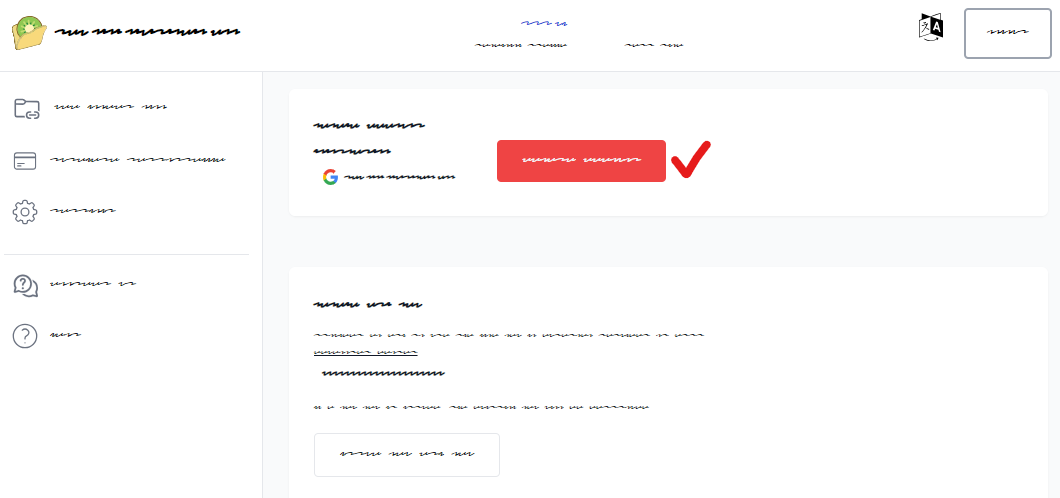
Deleting your account permanently removes your Web Folder+ folders and files, Folder History, and account data.