
Upload Files Quickly with file.kiwi
1️⃣ Open file.kiwi in your browser
Section titled “1️⃣ Open file.kiwi in your browser”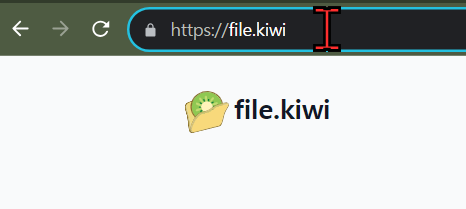
2️⃣ Click the button to select your files
Section titled “2️⃣ Click the button to select your files”
3️⃣ Click the button to copy the link
Section titled “3️⃣ Click the button to copy the link”
The complete URL (including the secret key after
#) is copied to your clipboard.
4️⃣ Paste and send the link to the recipient
Section titled “4️⃣ Paste and send the link to the recipient”- Email or messaging apps
- Forums or social media
Recipients can start downloading right away even if you share the link while the upload is still in progress.