### 1️⃣ Go to the **Dashboard** on file.kiwi 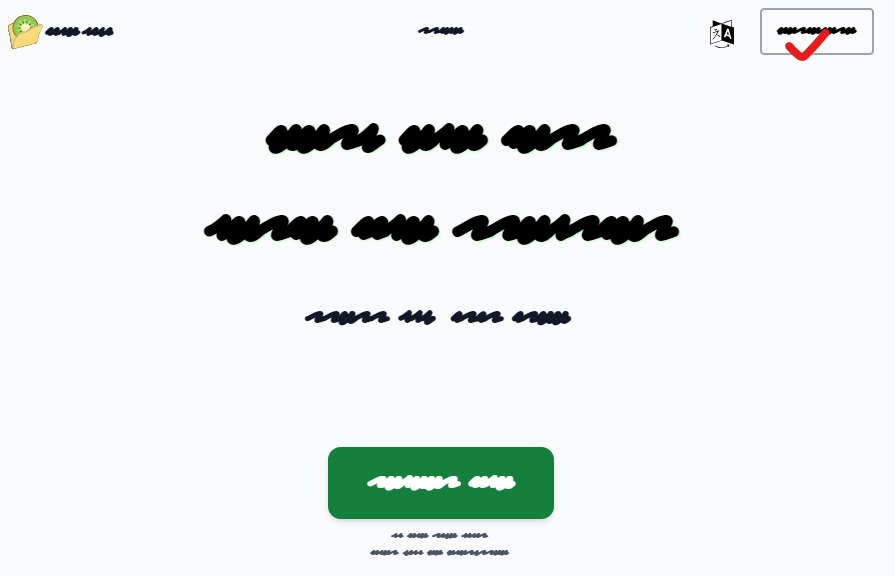 --- ### 2️⃣ Select <svg xmlns="http://www.w3.org/2000/svg" viewBox="0 0 24 24" aria-hidden="true" style="width:1.25em;height:1.25em;display:inline-block;margin:0;vertical-align:-0.2em;"><path fill="currentColor" d="m9.25 22l-.4-3.2q-.325-.125-.612-.3t-.563-.375L4.7 19.375l-2.75-4.75l2.575-1.95Q4.5 12.5 4.5 12.338v-.675q0-.163.025-.338L1.95 9.375l2.75-4.75l2.975 1.25q.275-.2.575-.375t.6-.3l.4-3.2h5.5l.4 3.2q.325.125.613.3t.562.375l2.975-1.25l2.75 4.75l-2.575 1.95q.025.175.025.338v.674q0 .163-.05.338l2.575 1.95l-2.75 4.75l-2.95-1.25q-.275.2-.575.375t-.6.3l-.4 3.2h-5.5Zm2.8-6.5q1.45 0 2.475-1.025T15.55 12q0-1.45-1.025-2.475T12.05 8.5q-1.475 0-2.488 1.025T8.55 12q0 1.45 1.013 2.475T12.05 15.5Z"/></svg> **Settings** 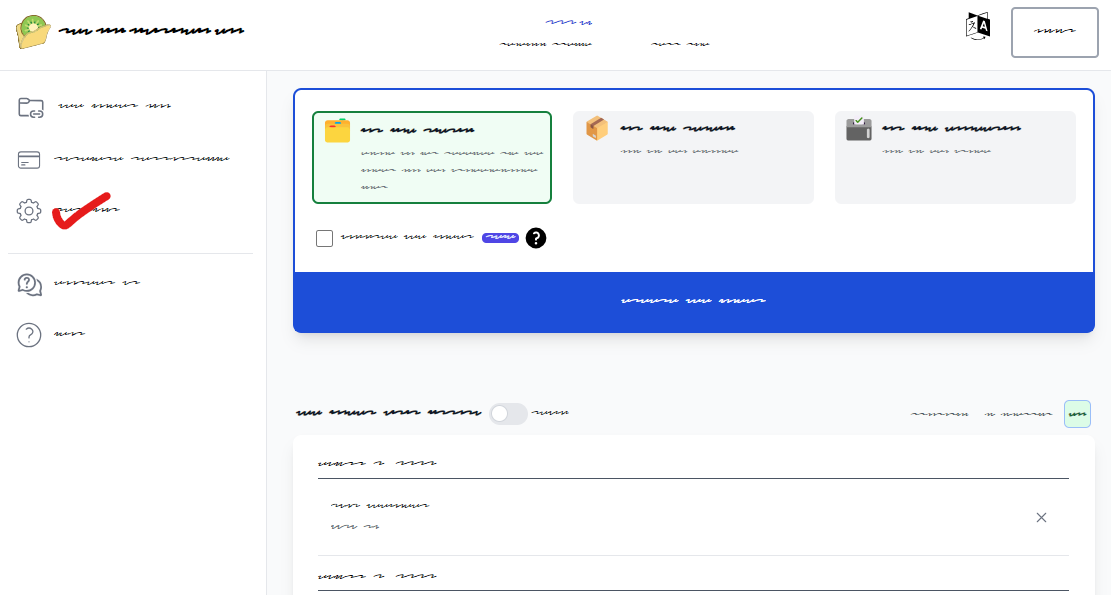 > If the menu isn't visible, click the ☰ button in the top-left corner. --- ### 3️⃣ Select **Delete Account** 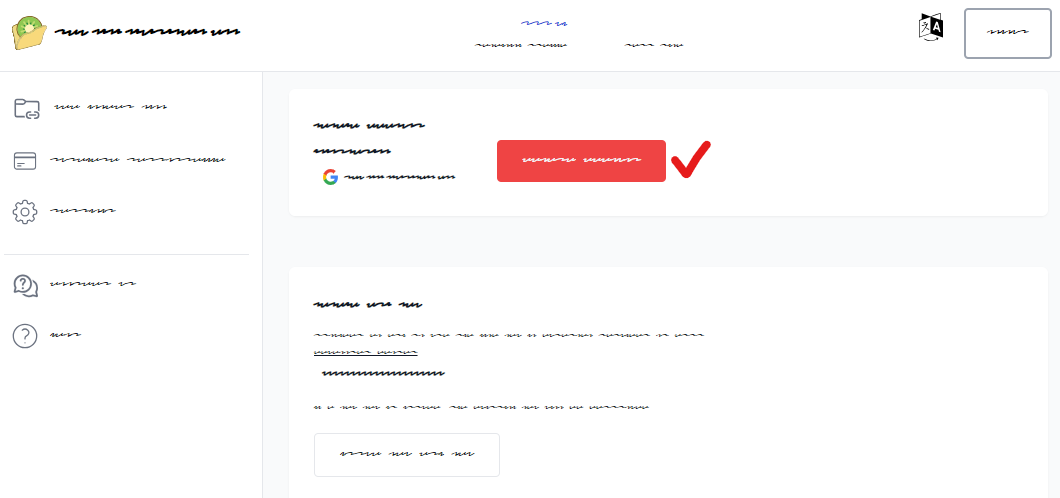 > Deleting your account permanently removes your Web Folder+ folders and files, Folder History, and account data.